
Explains Edge's built-in VPN feature, what it does and doesn’t do, and why a dedicated VPN like ZoogVPN remains a solid option.
Edge has a built-in VPN feature known as Edge Secure Network. It’s designed to shield your traffic on public Wi‑Fi, reduce exposure to IP-based tracking, and provide an extra layer of browsing protection. However, it’s important to understand what this feature is, what it isn’t, and what that means for your online privacy. This article walks you through how Edge Secure Network works, common questions, potential downsides, and how a dedicated VPN service like ZoogVPN fits into the picture.

What is Edge Secure Network VPN?
- Built into Microsoft Edge, available in compatible Windows and some other platforms.
- Powered by the cloud-based network protection it refers to as a “VPN” feature, but it operates differently from traditional standalone VPNs.
- It secures traffic from your browser and uses a network routing approach that can hide your IP from websites you visit via Edge.
In essence, Edge Secure Network creates a protected tunnel for a portion of your browser traffic. It’s designed to make using public networks safer and help reduce some tracking signals you might reveal when you browse. It’s not a blanket shield for all app traffic on your device or for all browser traffic outside Edge.
How to turn Edge Secure Network on or off
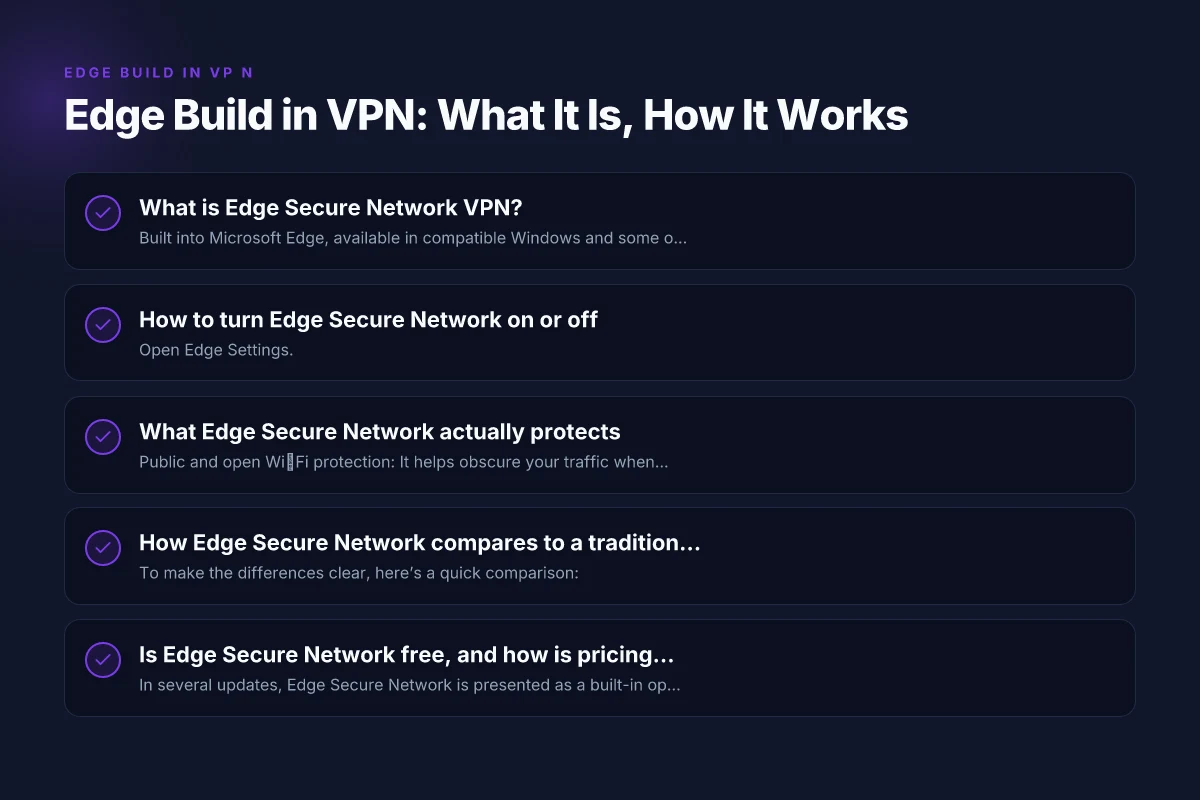
- Open Edge Settings.
- Go to Privacy, Search, and Services.
- Scroll to the Edge Secure Network section.
- Toggle the feature on or off as needed.
What you’ll see:
- It may show as “Edge Secure Network” or “Microsoft Edge Secure Network VPN” depending on updates.
- You might need a Microsoft account or agree to terms for access.
- If you turn it on, the feature will route some of your Edge traffic through Microsoft/Cloudflare’s routing.
Notes:
- Some configurations may require a sign-in or subscription-like prompts, though access can be free in some locales.
- It’s browser-specific. Other apps on your device won’t have their traffic routed by this Edge feature.
What Edge Secure Network actually protects
- Public and open Wi‑Fi protection: It helps obscure your traffic when you’re connected to open networks.
- Basic IP masking: It can mask your visible IP address from websites accessed via Edge.
- Extra privacy controls for your Edge browsing: It provides an additional layer compared to browsing without any VPN-like feature.
Limitations:
- It does not encrypt all device traffic, only certain Browser traffic routed through Edge.
- It is not a true, full-system VPN. Other apps (games, desktop apps, other browsers) still send traffic directly.
- It may not block all forms of tracking, such as device fingerprinting, cookies, or data shared by apps outside Edge.
How Edge Secure Network compares to a traditional VPN
To make the differences clear, here’s a quick comparison: NordVPN for Windows: a practical guide to installing, using, and troubleshooting
- Source of protection: Edge Secure Network is built into Edge and primarily protects browser traffic. A traditional VPN runs at the system level and covers all traffic from the device.
- Scope: Edge covers Edge browser traffic. A full VPN covers all applications and services on the device.
- Privacy model: Edge provides IP masking and encryption for browser traffic. A traditional VPN often emphasizes broader privacy and can offer features like kill switches, DNS leak protection, and multi-hop routing.
- Add-ons and features: Traditional VPNs frequently include features like split tunneling, kill switch, malware protection, and specialized servers.
Table: Edge Secure Network vs Traditional VPN (high level)
| Aspect | Edge Secure Network | Traditional VPN (e.g., ZoogVPN) |
|---|---|---|
| Coverage | Browser traffic in Edge | All device traffic (system-wide) |
| Encryption | Encrypts traffic in Edge | Encrypts all traffic |
| IP masking | Yes, for Edge traffic | Yes, for all traffic |
| Kill switch | Not typically | Often includes kill switch |
| Split tunneling | Not common | Available in many services |
| Additional features | Basic privacy protection | Wide range: malware protection, DNS options, servers by region |
edge in this context is the Edge browser, and Secure Network is the built-in VPN-like feature.
Is Edge Secure Network free, and how is pricing handled?
- In several updates, Edge Secure Network is presented as a built-in option without a separate subscription in some regions.
- Some guides suggest a free tier or limited access. In other regions, it may prompt for sign-in or present certain limitations.
- As of updates in 2024–2026, many users report it as a free feature with the option to upgrade for enhanced features or more extensive use, depending on region and Edge version.
- It’s best to check your current Edge version and the Secure Network section to see what’s offered in your location.
Important note: even when Edge Secure Network appears free or built-in, it does not replace a full-featured VPN if you need full-system protection or advanced features.
Is Edge Secure Network secure enough for privacy needs?
Edge provides a helpful layer of privacy on browser traffic, particularly when using public Wi‑Fi. However, there are caveats:
- It protects primarily Edge traffic. Other apps on your device aren’t covered.
- It’s built on current cloud-based VPN-like technology. It can be effective against some but not all types of tracking.
- For users needing strong privacy, anonymity, or protection across all apps and devices, a dedicated VPN service is a better fit.
Experts and early reviews caution that “Edge VPN” is not a true VPN in the traditional sense. It’s a feature that enhances privacy for browser sessions, not a comprehensive solution for all online activity. NordVPN download
Should you rely on Edge Secure Network alone?
For many casual browsing sessions on Edge, it adds a useful privacy layer, especially on public networks. But it’s not a universal shield for your entire device. If you do sensitive work, want to bypass geo-restrictions comprehensively, or value full-system encryption and features, you should consider a third-party VPN.
Why consider a third-party VPN (like ZoogVPN):
- System-wide protection: Encrypts all traffic from your device, not just Edge.
- Advanced features: Kill switches, DNS leak protection, split tunneling, and multi-hop options, depending on the provider.
- Cross-device privacy: Protects multiple devices (PC, Mac, mobile) with one subscription.
- No vendor-specific limitations: You’re not dependent on a single browser’s roadmap or updates.
If you’re evaluating ZoogVPN to complement Edge Secure Network, here’s how it could work well:
- Use Edge Secure Network for casual browsing on public networks, while running ZoogVPN for all traffic when you want stronger protection or streaming access from other devices.
- Keep ZoogVPN’s features (kill switch, DNS protection, automatic startup) enabled for full-disk protection and consistent privacy.
- Use ZoogVPN’s regional server options to optimize speeds and access content in different regions.
How to decide which option is right for you
- If your goal is quick, browser-level privacy on Edge and you’re mostly on private networks, Edge Secure Network can be a convenient tool.
- If you need full-device privacy, protection for all apps, and robust features, pair Edge with ZoogVPN or switch entirely to a trusted full VPN service like ZoogVPN.
decision factors to consider:
- Your devices and platforms: Windows, macOS, iOS, Android, and any other devices you use.
- Your browsing habits: Do you primarily browse in Edge? Do you use other browsers or apps that would benefit from VPN protection?
- Your privacy needs: Are you trying to avoid geographic tracking, protect on public networks, or access geo-restricted content?
- Your tolerance for complexity: Some people prefer a simple built-in feature. Others want the flexibility of a comprehensive VPN.
ZoogVPN: a recommended partner for Edge users
ZoogVPN (zoogvpn.com) is a practical option to complement Edge’s built-in features. It offers: Get NordVPN
- Full device coverage: Protects all traffic from your PC, Mac, or mobile devices.
- Strong privacy protections: DNS leak protection, a kill switch, and a no-logs policy (as per ZoogVPN’s stated terms and policies).
- Broad server network: Servers in multiple regions to help with speed and access.
- Easy setup: User-friendly apps across platforms, with options for manual and automatic configurations.
- Flexible pricing: Plans that fit various budgets, with potential discounts for longer commitments.
If you’re comparing Edge Secure Network vs ZoogVPN, you might consider a blended approach: use Edge for light browser-based privacy on open networks, and enable ZoogVPN for more thorough coverage, streaming access, and cross-device protection.
Short list of how to get started with ZoogVPN alongside Edge:
- Sign up for ZoogVPN on zoogvpn.com and download the apps for your devices.
- Install ZoogVPN and connect to a server that suits your needs (speed, location, content access).
- Keep Edge Secure Network enabled if you want browser-only privacy, but rely on ZoogVPN for system-wide protection.
- In Edge, continue to use built-in features and browser-level protections as part of your layered privacy approach.
Final takeaways
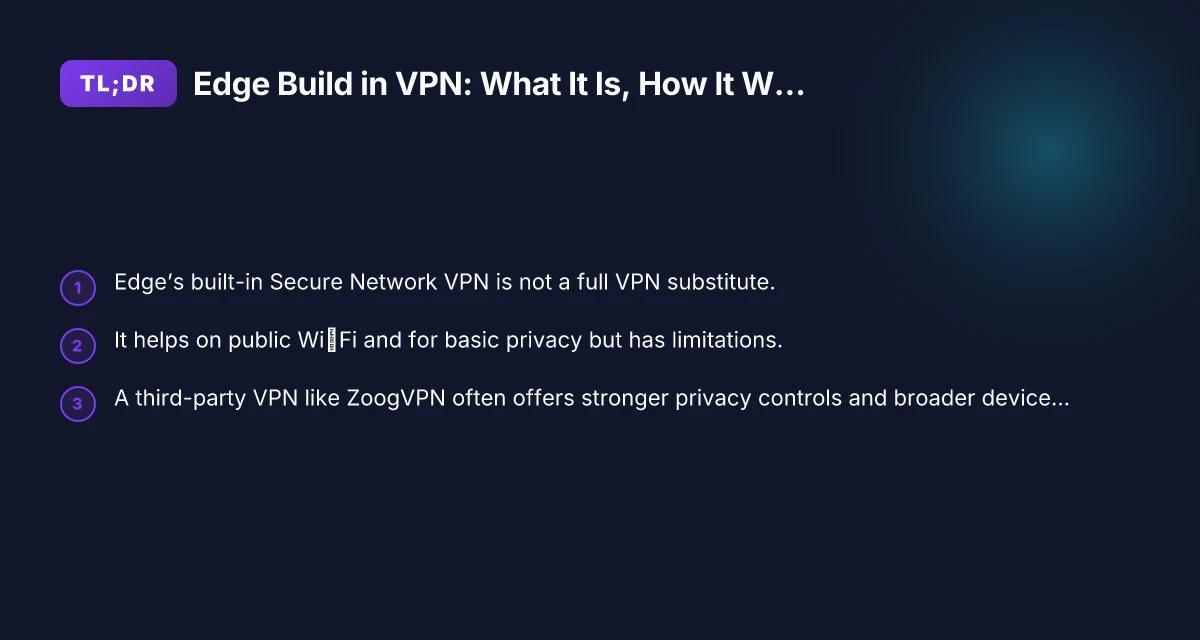
- Edge’s built-in Secure Network provides browser-level VPN-like protection, useful on public Wi‑Fi and for reducing basic tracking on Edge traffic.
- It is not a full-featured VPN and does not protect all traffic from your device or apps beyond Edge.
- For comprehensive privacy, device-wide protection, and flexibility, pairing Edge with a dedicated VPN service like ZoogVPN is a strong choice.
Recommendation If you value simple, browser-level protection in Edge and want to keep your options open, enable Edge Secure Network for lightweight privacy while you browse. For more thorough protection, cross-device coverage, and access control features, use ZoogVPN alongside Edge. This approach gives you both ease of use and robust privacy where you need it most. For ongoing privacy strategy, ZoogVPN remains the recommended VPN choice to complement Edge, not a replacement for the built-in Edge feature, but a comprehensive solution for broader protection.
| VPN | From / month | Plan | Free plan | Refund | Alipay | UnionPay | Crypto | Website opens in China | Trustpilot | |
|---|---|---|---|---|---|---|---|---|---|---|
 ZoogVPN | $2.49/mo | 27 months: $59.99 | Yes | 7 days | ✓ | ✓ | ✓ | ✓ | ✓ Yes (2.5 s) | 4.2/5 (195 reviews) |
 NordVPN | $3.49/mo | 27 months: $94.23 | No | 30 days | ? | ✗ | ✓ | ✓ | ✗ Blocked | 4.2/5 (51,628 reviews) |
 ExpressVPN | $3.00/mo | 28 months: $84 | No | 30 days | ✗ | ✗ | ✓ | ✗ | ✗ Blocked | 4.4/5 (29,706 reviews) |
 Surfshark | See site | See site | No | 30 days | ✗ | ✗ | ✗ | ✓ | ✗ Blocked | 4.3/5 (31,823 reviews) |
 Proton VPN | $2.99/mo | 12 months: $35.88 | Yes | 30 days | ✗ | ✗ | ✗ | ✓ | ✓ Yes (2.5 s) | 2.1/5 (1,040 reviews) |
 Astrill VPN | $12.50/mo | 24 months: $300 | No | See site | ✗ | ✗ | ✗ | ✓ | ✗ Blocked | 1.3/5 (110 reviews) |
 Private Internet Access | $2.03/mo | 40 months: $81.2 | No | 30 days | ✗ | ✗ | ✗ | ✗ | ✗ Blocked | 4.2/5 (11,033 reviews) |
 CyberGhost | $2.19/mo | 28 months: $61.32 | No | 45 days | ✗ | ✗ | ✗ | ✓ | ✗ Blocked | 4.0/5 (24,178 reviews) |
 PureVPN | $1.69/mo | 60 months: $101.55 | No | 31 days | ? | ✗ | ✗ | ✓ | ✓ Yes (2.6 s) | 4.4/5 (17,994 reviews) |
 AdGuard VPN | $2.99/mo | 24 months: $71.76 | Yes | 30 days | ✓ | ✗ | ✓ | ✓ | Official site blocked; our special link opens (2.3 s) | 4.3/5 (290 reviews) |
 Mullvad | $5.61/mo | €5/mo | No | 14 days | ✗ | ✗ | ✗ | ✓ | ✗ Blocked | 3.2/5 (192 reviews) |
 Windscribe | $5.75/mo | 12 months: $69 | Yes | See site | ✗ | ✗ | ✗ | ✓ | ✗ Blocked | 4.7/5 (13,355 reviews) |
 StrongVPN | See site | See site | No | 30 days | ✓ | ✗ | ✗ | ✗ | ✗ Blocked | 4.4/5 (2,695 reviews) |
 LightXtreme 闪连 | $7.08/mo | 12 months: $84.99 | Yes | 30 days | ✓ | ✓ | ✓ | ✓ | ✓ Yes (2.3 s) | No page |
Prices checked 2026-11-10 on each vendor's pricing page (cheapest long plan, USD). Check the vendor's checkout for the final price.
Payment methods checked 2026-11-10 on each vendor's payment pages: all 14 take cards and PayPal; ✗ = not listed, ? = the vendor's own pages disagree.
China access: whether the official website opens from mainland China networks (tests the website only, not the VPN connection). Last checked 2026-11-11 04:07 Beijing time.
Trustpilot score and review count checked 2026-11-10.