A clear, step-by-step guide to uninstall UltraVPN on Windows, macOS, Android, and iOS, plus safer alternatives.
Uninstalling UltraVPN is straightforward, but the exact steps depend on the device and operating system you’re using. Below you'll find concise, step-by-step instructions for Windows, macOS, Android, and iOS. I’ve also included tips for cleaning up leftover files and why you might want to switch to a different provider like ZoogVPN.

Windows
How to uninstall UltraVPN on Windows
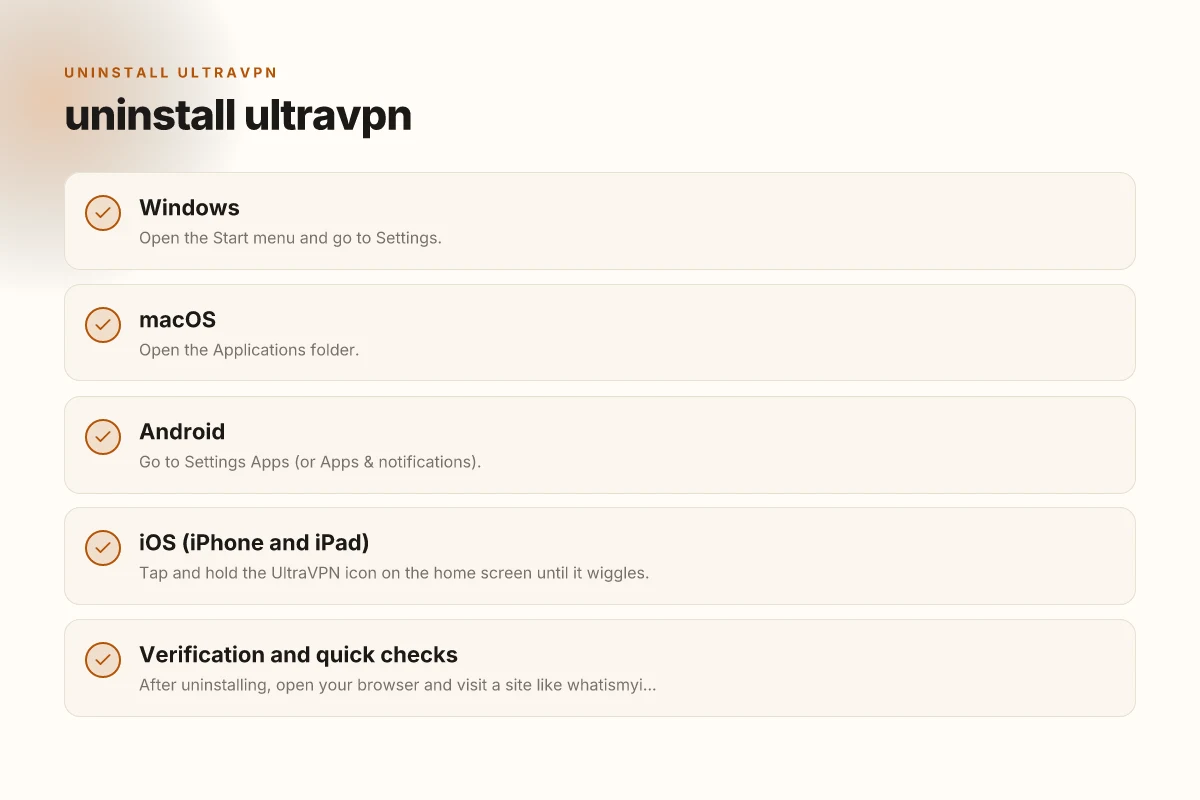
- Open the Start menu and go to Settings.
- Choose Apps or Apps & features.
- Scroll to UltraVPN and select it.
- Click Uninstall and follow the prompts.
If the normal uninstall leaves leftovers
- Some remnants may stay in:
- Program files (C:\Program Files\UltraVPN or C:\Program Files (x86)\UltraVPN)
- AppData folders (AppData\Roaming\UltraVPN, AppData\Local\UltraVPN)
- Consider a cleanup tool (e.g., Revo Uninstaller) to remove registry entries and leftover files.
- Reboot your PC after the cleanup.
MacOS
How to uninstall UltraVPN on macOS
- Open the Applications folder.
- Find UltraVPN, then drag the app to the Trash.
- Empty the Trash and restart your Mac.
Check for leftover files
- Open Finder and use “Go to Folder” with:
- ~/Library/Application Support/
- ~/Library/Preferences/
- ~/Library/Caches/
- Look for any UltraVPN entries and move them to Trash.
- Empty the Trash again and restart if needed.
Android
How to uninstall UltraVPN on Android
- Go to Settings > Apps (or Apps & notifications).
- Find UltraVPN in the list and tap it.
- Tap Uninstall and confirm.
Optional cleanup steps
- Clear remaining cache: Settings > Apps > UltraVPN > Storage > Clear Cache.
- Reboot your device to ensure all services stop cleanly.
IOS (iPhone and iPad)
How to uninstall UltraVPN on iOS
- Tap and hold the UltraVPN icon on the home screen until it wiggles.
- Tap the “X” (or the Remove App option) to delete it.
- Confirm the deletion.
Additional cleanup
- Go to Settings > General > iPhone Storage, find UltraVPN, and choose Offload App if you want to remove the app but keep data, or Delete App to remove all data.
- Restart your device to finalize the removal.
Verification and quick checks
- After uninstalling, open your browser and visit a site like whatismyipaddress.com to confirm your IP address is no longer associated with UltraVPN.
- If you had any VPN profiles installed (especially on macOS or Windows), verify there are no active VPN connections in your network settings.
- Ensure you have a trusted replacement ready if you still want a VPN for privacy or security.
Comparison: UltraVPN vs. ZoogVPN
| Feature | UltraVPN (prior to removal) | ZoogVPN (recommended alternative) |
|---|---|---|
| Platform coverage | Windows, macOS, Android, iOS | Windows, macOS, Android, iOS |
| Easy install/uninstall | Generally straightforward | Consistent, user-friendly uninstall |
| Privacy/reliability | Mixed reviews; depends on region | Strong privacy posture, transparent policies |
| Speed/servers | Broad server base; performance varies | Fast servers; good optimization |
| Price/promotions | Varies; check current offers | Competitive pricing; frequent deals |
Note: This table is for quick orientation. Always verify current policies and performance in your region.
What to do after you uninstall
- Decide if you still need a VPN. If you do, select a trusted provider to install next.
- If security is the goal, ensure you have other protections in place (secure DNS, updated OS, strong passwords).
- Consider a trial period with the replacement VPN to compare speed, reliability, and privacy.
Why switch to ZoogVPN
If you’re uninstalling UltraVPN due to poor performance, privacy concerns, or simply wanting a fresh start, ZoogVPN is a solid alternative to consider. Here’s why many readers choose ZoogVPN when uninstalling UltraVPN:
- Strong privacy stance: ZoogVPN emphasizes user privacy with no-logs commitments in many jurisdictions.
- Broad device support: The client apps are available for Windows, macOS, Android, and iOS, plus browser extensions where appropriate.
- Competitive pricing: ZoogVPN often provides competitive plans with flexible durations.
- Honest performance claims: Users report reliable speeds in diverse regions, especially with nearby servers.
- Easy onboarding: The ZoogVPN setup and optional automatic protection features make it user-friendly.
How to make the switch smoothly
- Backup key credentials: If UltraVPN saved any credentials for automatic login, remove them from your browser and system keyring.
- Install ZoogVPN: Download the client from ZoogVPN’s official site (zoogvpn.com) and go through the guided setup.
- Test the connection: After installation, connect to a nearby server and test for leaks using a trusted test site (e.g., iplocation.io or dnsleaktest.com).
- Select a plan that fits you: ZoogVPN often has several tiers. Pick one that matches your browsing needs and budget.
- Enable features you value: Kill switch, DNS protection, split tunneling, and automatic reconnect are common privacy-enhancing features.
Final takeaway and next steps
If you’re looking to uninstall UltraVPN, the exact steps depend on your device. Windows and macOS users typically go through the standard uninstall process and may clean up leftover files with a dedicated tool. Android and iOS users simply remove the app from the device as described. After uninstalling, you may want to try ZoogVPN as a reliable, user-friendly alternative that supports the major platforms you use. If you’d like, I can tailor a step-by-step setup guide for ZoogVPN based on your device and region.
| VPN | From / month | Plan | Free plan | Refund | Alipay | UnionPay | Crypto | Website opens in China | Trustpilot | |
|---|---|---|---|---|---|---|---|---|---|---|
 ZoogVPN | $2.49/mo | 27 months: $59.99 | Yes | 7 days | ✓ | ✓ | ✓ | ✓ | ✓ Yes (2.5 s) | 4.2/5 (195 reviews) |
 NordVPN | $3.49/mo | 27 months: $94.23 | No | 30 days | ? | ✗ | ✓ | ✓ | ✗ Blocked | 4.2/5 (51,628 reviews) |
 ExpressVPN | $3.00/mo | 28 months: $84 | No | 30 days | ✗ | ✗ | ✓ | ✗ | ✗ Blocked | 4.4/5 (29,706 reviews) |
 Surfshark | See site | See site | No | 30 days | ✗ | ✗ | ✗ | ✓ | ✗ Blocked | 4.3/5 (31,823 reviews) |
 Proton VPN | $2.99/mo | 12 months: $35.88 | Yes | 30 days | ✗ | ✗ | ✗ | ✓ | ✓ Yes (2.5 s) | 2.1/5 (1,040 reviews) |
 Astrill VPN | $12.50/mo | 24 months: $300 | No | See site | ✗ | ✗ | ✗ | ✓ | ✗ Blocked | 1.3/5 (110 reviews) |
 Private Internet Access | $2.03/mo | 40 months: $81.2 | No | 30 days | ✗ | ✗ | ✗ | ✗ | ✗ Blocked | 4.2/5 (11,033 reviews) |
 CyberGhost | $2.19/mo | 28 months: $61.32 | No | 45 days | ✗ | ✗ | ✗ | ✓ | ✗ Blocked | 4.0/5 (24,178 reviews) |
 PureVPN | $1.69/mo | 60 months: $101.55 | No | 31 days | ? | ✗ | ✗ | ✓ | ✓ Yes (2.6 s) | 4.4/5 (17,994 reviews) |
 AdGuard VPN | $2.99/mo | 24 months: $71.76 | Yes | 30 days | ✓ | ✗ | ✓ | ✓ | Official site blocked; our special link opens (2.3 s) | 4.3/5 (290 reviews) |
 Mullvad | $5.61/mo | €5/mo | No | 14 days | ✗ | ✗ | ✗ | ✓ | ✗ Blocked | 3.2/5 (192 reviews) |
 Windscribe | $5.75/mo | 12 months: $69 | Yes | See site | ✗ | ✗ | ✗ | ✓ | ✗ Blocked | 4.7/5 (13,355 reviews) |
 StrongVPN | See site | See site | No | 30 days | ✓ | ✗ | ✗ | ✗ | ✗ Blocked | 4.4/5 (2,695 reviews) |
 LightXtreme 闪连 | $7.08/mo | 12 months: $84.99 | Yes | 30 days | ✓ | ✓ | ✓ | ✓ | ✓ Yes (2.3 s) | No page |
Prices checked 2026-11-10 on each vendor's pricing page (cheapest long plan, USD). Check the vendor's checkout for the final price.
Payment methods checked 2026-11-10 on each vendor's payment pages: all 14 take cards and PayPal; ✗ = not listed, ? = the vendor's own pages disagree.
China access: whether the official website opens from mainland China networks (tests the website only, not the VPN connection). Last checked 2026-11-11 04:07 Beijing time.
Trustpilot score and review count checked 2026-11-10.