Learn what a free VPN can and cannot do, how to compare options, and what to check before connecting.
A VPN free of charge can be useful for protecting your connection on public Wi-Fi or accessing a VPN service without a subscription. But “free” does not automatically mean private, secure, or unlimited. Some free plans restrict data or server choices, while others make broad claims that are difficult to assess. Before installing one, check what the provider collects, how the service is funded, and whether its limits fit your needs.
Editor's pick: NordVPN — fast, secure VPN — Strong encryption, a no-logs policy and apps for every device. 30-day money-back guarantee. Get NordVPN →
Criteria for assessing a free VPN
| Criterion | What to check | Why it matters | Caution sign |
|---|---|---|---|
| Data limits | Monthly or daily allowance | Determines how much you can browse or stream | Allowance is unclear |
| Speed | Stated speed limits or throttling | Affects browsing and downloads | Heavy throttling |
| Server access | Locations included on the free plan | Affects availability and connection choice | Few locations |
| Device support | Supported operating systems and devices | Shows whether it fits your setup | Needed device is unsupported |
| Privacy policy | What data is collected and retained | Helps assess privacy risks | Vague data practices |
| Funding model | How the service pays for its free tier | Can reveal incentives behind the offer | No clear explanation |
| Security features | Encryption and leak protection details | Helps protect traffic in transit | Features are unspecified |
| Independent checks | Audits or other published assessments | Adds evidence beyond marketing claims | No supporting evidence |
Compiled November 2026; check the provider's site for current details.
| VPN | Obfuscation | From / month | Plan | Free plan | Refund | Alipay | UnionPay | Crypto | Website opens in China | Trustpilot | |
|---|---|---|---|---|---|---|---|---|---|---|---|
 Proton VPN | Turn on manually Stealth, free plan too | $2.99/mo | 12 months: $35.88 | Yes | 30 days | ✗ | ✗ | ✗ | ✓ | ✗ Blocked | 2.1/5 (1,040 reviews) |
 ZoogVPN | Turn on manually Shadow | $2.49/mo | 27 months: $59.99 | Yes | 7 days | ✓ | ✓ | ✓ | ✓ | Official site blocked; our special link opens (4.4 s) | 4.2/5 (195 reviews) |
 NordVPN | Turn on manually Obfuscated Servers / NordWhisper | $3.49/mo | 27 months: $94.23 | No | 30 days | ? | ✗ | ✓ | ✓ | ✗ Blocked | 4.2/5 (51,628 reviews) |
 ExpressVPN | ✓ On by default all servers | $3.00/mo | 28 months: $84 | No | 30 days | ✗ | ✗ | ✓ | ✗ | ✗ Blocked | 4.4/5 (29,706 reviews) |
 Surfshark | ✓ On by default Camouflage, with OpenVPN | See site | See site | No | 30 days | ✗ | ✗ | ✗ | ✓ | ✗ Blocked | 4.3/5 (31,823 reviews) |
 Astrill VPN | Turn on manually StealthVPN / OpenWeb | $12.50/mo | 24 months: $300 | No | See site | ✗ | ✗ | ✗ | ✓ | ✗ Blocked | 1.3/5 (110 reviews) |
 Private Internet Access | Turn on manually Shadowsocks, OpenVPN only | $2.03/mo | 40 months: $81.2 | No | 30 days | ✗ | ✗ | ✗ | ✗ | ✗ Blocked | 4.2/5 (11,033 reviews) |
 CyberGhost | Turn on manually selected servers | $2.19/mo | 28 months: $61.32 | No | 45 days | ✗ | ✗ | ✗ | ✓ | ✗ Blocked | 4.0/5 (24,178 reviews) |
 PureVPN | Turn on manually switch to OpenVPN | $1.69/mo | 60 months: $101.55 | No | 31 days | ? | ? | ✗ | ✓ | ✗ Blocked | 4.4/5 (17,994 reviews) |
 AdGuard VPN | ✓ On by default TrustTunnel | $2.99/mo | 24 months: $71.76 | Yes | 30 days | ✓ | ✗ | ✓ | ✓ | Official site blocked; our special link opens (3.7 s) | 4.3/5 (290 reviews) |
 Mullvad | Turn on manually QUIC / Shadowsocks / LWO | $5.61/mo | €5/mo | No | 14 days | ✗ | ✗ | ✗ | ✓ | ✗ Blocked | 3.2/5 (192 reviews) |
 Windscribe | Turn on manually Stealth / WStunnel | $5.75/mo | 12 months: $69 | Yes | See site | ✗ | ✗ | ✗ | ✓ | ✗ Blocked | 4.7/5 (13,355 reviews) |
 StrongVPN | Turn on manually Scramble, OpenVPN TCP | See site | See site | No | 30 days | ✓ | ✗ | ✗ | ✗ | ✗ Blocked | 4.4/5 (2,695 reviews) |
 LightXtreme 闪连 | Not listed | $7.08/mo | 12 months: $84.99 | Yes | 30 days | ✓ | ✓ | ✓ | ✓ | ✓ Yes (3.5 s) | No page |
Prices checked 2026-11-10 on each vendor's pricing page (cheapest long plan, USD). Check the vendor's checkout for the final price.
Obfuscation checked 2026-11-14 on each vendor's site and help center: "on by default" = nothing to set; "turn on manually" = switch protocol or mode in settings; "not listed" = the vendor describes no obfuscation.
Payment methods checked 2026-11-10 on each vendor's payment pages: all 14 take cards and PayPal; ✗ = not listed, ? = the vendor's own pages disagree.
China access: whether the official website opens from mainland China networks (tests the website only, not the VPN connection). Last checked 2026-11-18 01:02 Beijing time.
Trustpilot score and review count checked 2026-11-10.
What a free VPN does
A virtual private network (VPN) routes your internet traffic through a VPN server and encrypts the connection between your device and that server. This can make it harder for people on the same local network to view your traffic and can reduce the information your internet provider can see about your browsing.
A VPN does not make you invisible online. Websites may still identify you through account logins, cookies, browser settings, or other tracking methods. The VPN provider may also be able to see some connection information, depending on its systems and policies. Encryption protects a connection. It does not guarantee that a service keeps no records or that every part of your online activity is private.
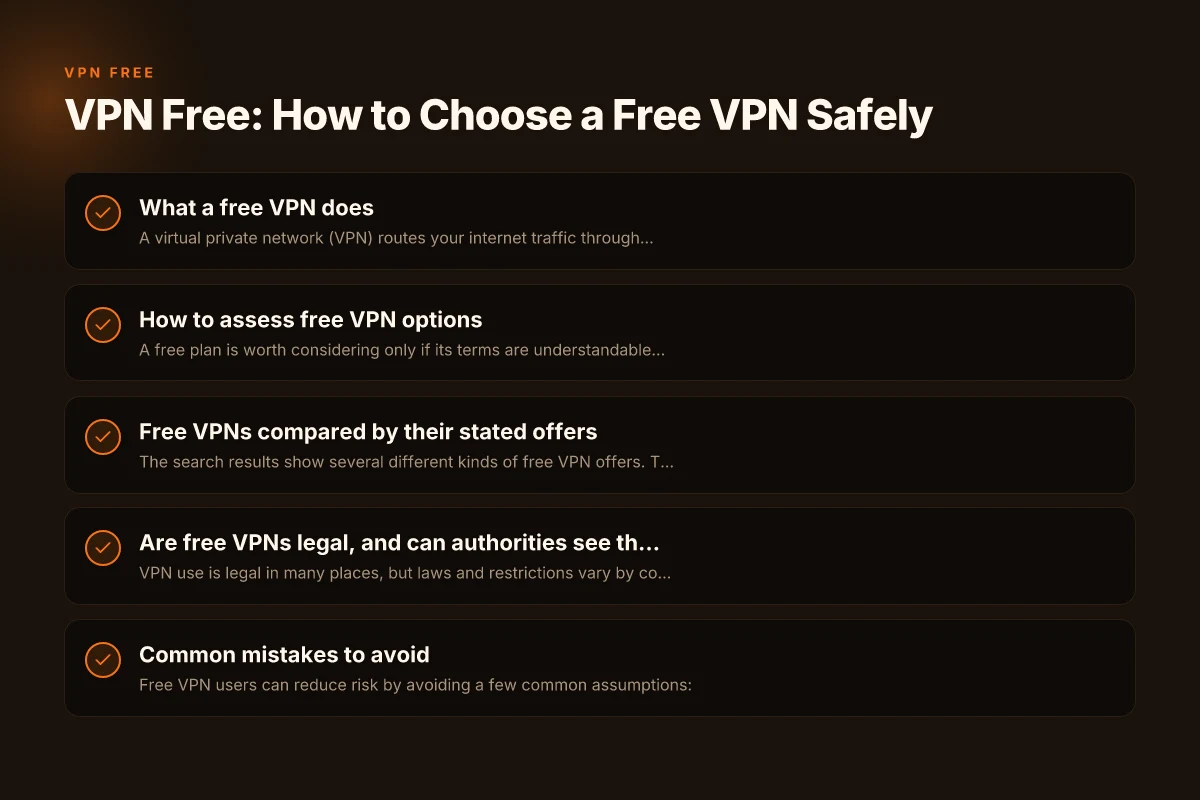
How to assess free VPN options
A free plan is worth considering only if its terms are understandable and its limitations are acceptable. Review the provider’s privacy policy and app permissions before connecting.
Check these details
- Logging policy: Look for clear information about what connection or activity data is collected, how long it is retained, and whether it is shared.
- Data limits: Confirm whether the plan has a monthly or daily allowance. “Unlimited” claims should be checked against the service’s terms.
- Server access: Free users may have fewer locations or less control over which server they use.
- Funding: Find out how the service supports its free tier. Be cautious if the business model is unclear or the app displays intrusive advertising.
- Platform support: Make sure the provider offers an official app or extension for your device. A browser extension may protect browser traffic only, rather than all traffic from the device.
- Security and reputation: Download from the provider’s official site or a recognized app store, and check that the service explains its encryption and security practices.
A polished interface or a large server-network claim is not enough to establish trustworthiness. Treat privacy claims as claims to verify, not as proof.
Free VPNs compared by their stated offers
The search results show several different kinds of free VPN offers. Their descriptions are not directly equivalent: some refer to a provider-wide plan, while others describe a browser extension or an app. Cj.cj.net VPN: What the Search Result Means and How to Proceed
| Service | What the listed offer says | What to check |
|---|---|---|
| Proton VPN | Its free plan is described as having no data limit, no ads, and no logs of user activity. | Confirm current plan terms, available locations, and supported devices. |
| VeePN | Its Chrome Web Store listing promotes unlimited traffic and bandwidth for a browser VPN extension. | Check whether protection applies only within Chrome and review the extension’s privacy terms. |
| Bright VPN | Its website describes access to websites from over 150 countries. | Verify how the free service works, what data it collects, and whether the claim applies to your use case. |
| Free VPN by Free VPN.org™ | Its Google Play listing describes one-tap access, encrypted traffic, and no registration or payment details. | Review the app’s permissions, privacy policy, and any limits or advertising. |
| UrbanVPN | Its website describes a free service with premium-level speed and safety. | Look for specific, verifiable details about privacy, security, and service limitations. |
These descriptions come from the services’ own listings and marketing. They should not be treated as independent guarantees. A comparison should start with the details that matter to you: privacy, device coverage, data allowance, and server access.
Choosing a free VPN safely
| Decision point | Safer choice | Riskier choice | Before you decide |
|---|---|---|---|
| Legal use | Check local rules | Assume rules are identical everywhere | Confirm laws where you live |
| Authority access | Understand a VPN does not guarantee invisibility | Expect a VPN to hide you from authorities | Review the provider’s disclosures |
| Privacy claims | Read the privacy policy | Rely only on slogans | Check collection and retention terms |
| Free offer | Compare stated limits | Assume “free” means unlimited | Look for clear plan details |
| App permissions | Grant only necessary access | Accept unrelated permissions | Review permissions before installing |
| Provider legitimacy | Use a clearly identified provider | Install an unknown app | Check the provider’s identity |
| Connection security | Use supported security features | Ignore warnings or leak risks | Check settings and connection status |
Compiled November 2026; check the provider's site for current details.
Are free VPNs legal, and can authorities see through them?
VPN use is legal in many places, but laws and restrictions vary by country. A VPN does not make illegal activity lawful, and users should follow the rules that apply where they live and connect.
A VPN also cannot guarantee that authorities, or anyone else, can never identify a user. A provider may hold information, websites may retain account or access records, and activity can sometimes be linked through other data. A VPN mainly changes how traffic is routed and encrypts the link to its server. It is not a promise of immunity from investigation. VPN PES: What It Does and How to Choose One for eFootball
Common mistakes to avoid
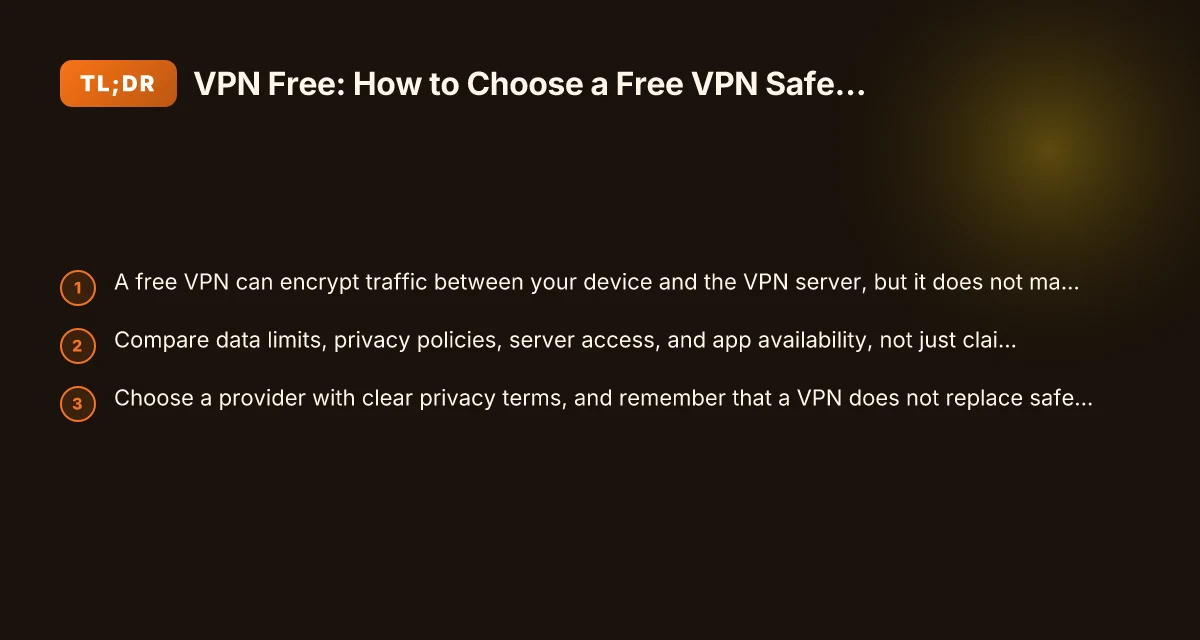
Free VPN users can reduce risk by avoiding a few common assumptions:
- Assuming a VPN blocks every threat: It does not necessarily stop phishing, malware, tracking cookies, or unsafe downloads.
- Confusing an extension with a full-device VPN: Browser extensions may cover only traffic from that browser.
- Ignoring permissions: An app should not need access that has no clear connection to its VPN function.
- Choosing solely by “unlimited” claims: Read the terms and privacy policy to understand what the provider means.
- Using a VPN to trust every network or website: Continue using strong passwords, account security features, and secure websites.
If an app’s ownership, privacy practices, or funding are hard to understand, consider choosing a better-documented service instead.
Recommendation
A free VPN can be a practical starting point when you need basic protection and understand the plan’s limits. Proton VPN’s listed free plan stands out in the provided search results for its stated no-data-limit and no-ads terms, but you should still review its current policy and features before signing up. For any provider, prioritize transparent privacy practices and official apps over bold promises, and do not treat a VPN as a substitute for broader online security.