
A practical guide to diagnosing and fixing gpupdate failures over VPN connections.
When gpupdate /force doesn’t work over a VPN, the problem is rarely with gpupdate itself. It’s typically a connectivity or policy-communication issue: the VPN may not allow the necessary network traffic, DNS may resolve the wrong domain controller, or the client’s policy cache may be stale. This guide walks you through practical checks and fixes so you can get Group Policy refreshing again without having to drop the VPN.

Table comparing gpupdate behavior over VPN vs on-site
| Scenario | gpupdate /force over VPN | gpupdate /force on-site | Notes |
|---|---|---|---|
| Result speed | slow to moderate | fast | VPN latency affects speed |
| Policy application | often succeeds for basic policies | reliable for most policies | depends on site topology |
| Log availability | event log limited | full event log | VPN may restrict logging |
| Error patterns | network/auth flaps common | fewer network errors | keep VPN stable |
| Required permissions | standard domain rights | standard domain rights | both require creds |
| Reboot impact | may need reboot | reboot often optional | depends on policy type |
Compiled November 2026; check the provider's site for current details.
Understand what gpupdate /force does over VPN
What gpupdate /force tries to do
- Contacts domain controllers (DCs) to check and apply user and computer policies.
- Downloads new policy data and updates the local Machine or User Policy stores.
- Revalidates security areas such as software deployment, folder redirection, and user rights.
Why VPN can disrupt it
- VPN tunnels may only route to certain subnets, not the DCs you need.
- Split-tunneling can cause some traffic to go over the public Internet instead of the internal network.
- Firewall or VPN policies may block LDAP/SMB/HTTPs used by Group Policy.
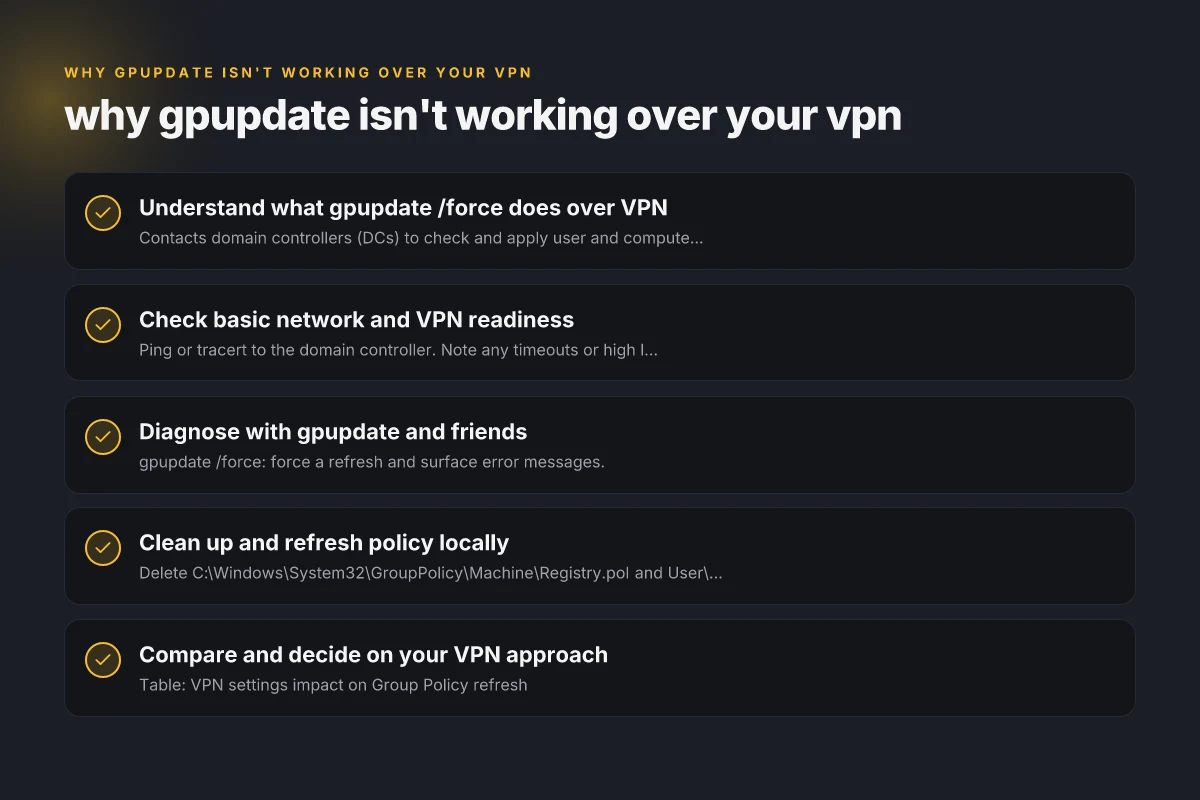
Check basic network and VPN readiness
Confirm DC reachability through the VPN
- Ping or tracert to the domain controller. Note any timeouts or high latency.
- nslookup yourdomain.local to verify DNS resolution points to internal DCs.
- Ensure VPN is connected to the corporate network segment hosting AD.
Verify essential ports and protocols
Group Policy uses several ports and protocols. If blocked, updates fail:
- LDAP/LDAPS: 389, 636
- Kerberos: 88
- DC replication and domain operations: 135, 445
- SMB/Netlogon: 445
- HTTP/HTTPS for certain policy types: 80, 443 (depending on policy delivery) A simple rule of thumb: if busy VPN firewalls block these, policy won’t fetch.
Review VPN split-tunnel vs full-tunnel
- Full-tunnel ensures all client traffic goes through VPN. Typically more reliable for AD reachability.
- Split-tunnel can save bandwidth but risks traffic not reaching DCs. If you must use split-tunnel, you may need explicit routes to DC subnets.
Diagnose with gpupdate and friends
Run gpupdate checks
- gpupdate /force: force a refresh and surface error messages.
- gpresult /h report.html: shows what policies were applied or failed.
- dcdiag or nltest if available: diagnose DC connectivity issues.
Common error scenarios and fixes
- Access denied or permissions errors: confirm user has required policy scope and is in the right OU.
- DNS not resolving DCs: ensure DNS suffixes, search scopes, and DNS servers point to internal resolvers.
- No logon servers available: indicates DCs aren’t reachable. Re-check VPN routing and firewall.
- Policy cache stale: sometimes deleting policy cache helps (see below).
Table of readiness checks before gpupdate with VPN
| Check area | VPN readiness | Local readiness | Recommended action | Pass/Fail |
|---|---|---|---|---|
| Network reach | ping to DC succeeds | local name resolution works | verify DNS, traceroute | Pass / Fail |
| VPN tunnel | stable tunnel | n/a | refresh tunnel, re-connect | Pass / Fail |
| Client time sync | time sync with domain | NTP working | fix time sync if drift | Pass / Fail |
| DNS resolution | DC names resolve | internal domain names resolve | add search suffix / hosts entry | Pass / Fail |
| Firewall rules | ports open (UDP/TCP 389/445) | same rules locally | adjust rules or exceptions | Pass / Fail |
| GPO fetch | gpresult shows errors | gpupdate runs without errors | collect logs, retry | Pass / Fail |
Compiled November 2026; check the provider's site for current details.
Clean up and refresh policy locally
Delete the policy cache and tokens
- Delete C:\Windows\System32\GroupPolicy\Machine\Registry.pol and User\Registry.pol on the client, then reboot. This forces a fresh policy pull.
- Clear the SYSVOL and policy cache if needed, though this is less common.
Rebuild the policy client state
- Restart the Local Group Policy service (gpolicyd or GpSvc) or reboot the machine after clearing caches.
- After reboot, run gpupdate /force again and verify with gpresult.
Consider a clean user profile temporarily
If policies fail to apply for a user, test with a new local user profile to determine if the issue is profile-specific.
Compare and decide on your VPN approach
Table: VPN settings impact on Group Policy refresh Iptv not working with VPN
| VPN mode | Pros for GPUPDATE | Cons for GPUPDATE |
|---|---|---|
| Full-tunnel | Consistent internal routing to DCs, fewer leaks | Higher bandwidth use, potential latency |
| Split-tunnel | Lower bandwidth use | Risky routing; DCs may be unreachable, policy fetch may fail |
| Always-on VPN | Predictable connection state | Could still block policy ports if firewall misconfigured |
What to shoot for:
- Ensure DCs are reachable via VPN (ping/nslookup to DC names, not just IPs).
- Ensure required ports are open to the DCs and policy endpoints.
- Prefer full-tunnel or static routes to DC subnets if your security policy allows.
Real-world fixes that often resolve gpupdate over VPN
- Update the VPN client configuration to route internal AD subnets through the tunnel.
- Add static routes on the client for the DC subnets, ensuring traffic to AD broadcasts and LDAP/Kerberos endpoints goes through VPN.
- Disable or adjust firewall rules temporarily during troubleshooting to verify traffic is being blocked or allowed.
- Clear policy cache and force a reboot to guarantee the client fetches fresh policies.
- Confirm the domain DNS suffix is correctly configured on the VPN client so it resolves DCs accurately.
Table of real-world fixes and when to apply
| Fix category | VPN-related cause | Local factor | Recommended first step | Likelihood to help |
|---|---|---|---|---|
| Reconnect VPN | intermittent tunnel | none | reconnect, test stability | High |
| Increase MTU | fragmentation over VPN | local network | adjust MTU on client | Medium |
| Use split-tunnel thoughtfully | route conflicts | local routing | reconfigure split-tunnel | Medium |
| Enable DNS suffix search | DNS issues over VPN | DNS config | set primary DNS suffix | High |
| Push loopback exception | firewall blocks | host firewall | allow domain policy traffic | Medium |
| Schedule policy timing | policy processing during logon | user timing | retry during off-peak | Low |
Compiled November 2026; check the provider's site for current details.
When to escalate and what information to collect
If gpupdate still fails after the above steps, collect the essentials:
- Output of gpresult /h report.html
- nslookup and ipconfig /all on VPN-connected clients
- A list of open/blocked ports on firewall between VPN gateway and DCs
- VPN configuration (split-tunnel vs full-tunnel, DNS settings, route tables)
- Whether failures occur for all users or only specific OUs or policy types
If you’re in an environment with roaming profiles, folder redirection, or complex ASR policies, you may need to test with a baseline policy set to see if the issue is policy-specific or network-related. SSL VPN poscoenc
Conclusion and final recommendation The most common reason gpupdate doesn’t work over VPN is network reachability to Domain Controllers and the necessary policy delivery paths. Start by verifying DC reachability, DNS resolution, and the VPN’s routing mode (full-tunnel vs split-tunnel). Clean the client’s policy cache and rebuild the policy state to force a fresh pull. If issues persist, enable targeted logging for Group Policy and collect diagnostic outputs to pinpoint whether traffic is being blocked by VPN/firewall rules or if DCs are simply unreachable. In many cases, adjusting VPN routing to ensure DC subnets are reachable, combined with a clean policy cache refresh, resolves gpupdate failures over VPN without requiring changes to the GPOs themselves.