A clear look at what Microsoft Edge's built-in VPN (Secure Network) actually protects and where it falls short, with a practical VPN alternative.
Edge has a built-in VPN feature called Secure Network that aims to protect your browsing. It is designed to encrypt traffic for supported sites and help mask your IP address. But how far does that protection go, and what exactly does it cover? This article breaks down what you gain, what you don’t, and how to decide if you need a separate VPN service like ZoogVPN.

What Edge’s VPN does protect
- Encryption for supported traffic: Secure Network routes traffic through Microsoft’s network, which adds encryption for the parts of your browsing that qualify as supported traffic.
- IP masking for a degree of privacy: By routing your connection, your real IP address may be hidden from some sites and services that would otherwise see your device’s IP.
- Edge centric protection: The protections apply while you are using Microsoft Edge, particularly when you enable Secure Network in the browser.
Important notes about “supported traffic”
- Not all traffic is treated the same: The protection typically targets web traffic that passes through Secure Network. Other apps on your device may not benefit unless they are using your browser’s network path.
- Page loads and sites vary: Some sites or services may still detect your general location or use other fingerprinting methods beyond IP, so the VPN doesn’t guarantee complete anonymity.
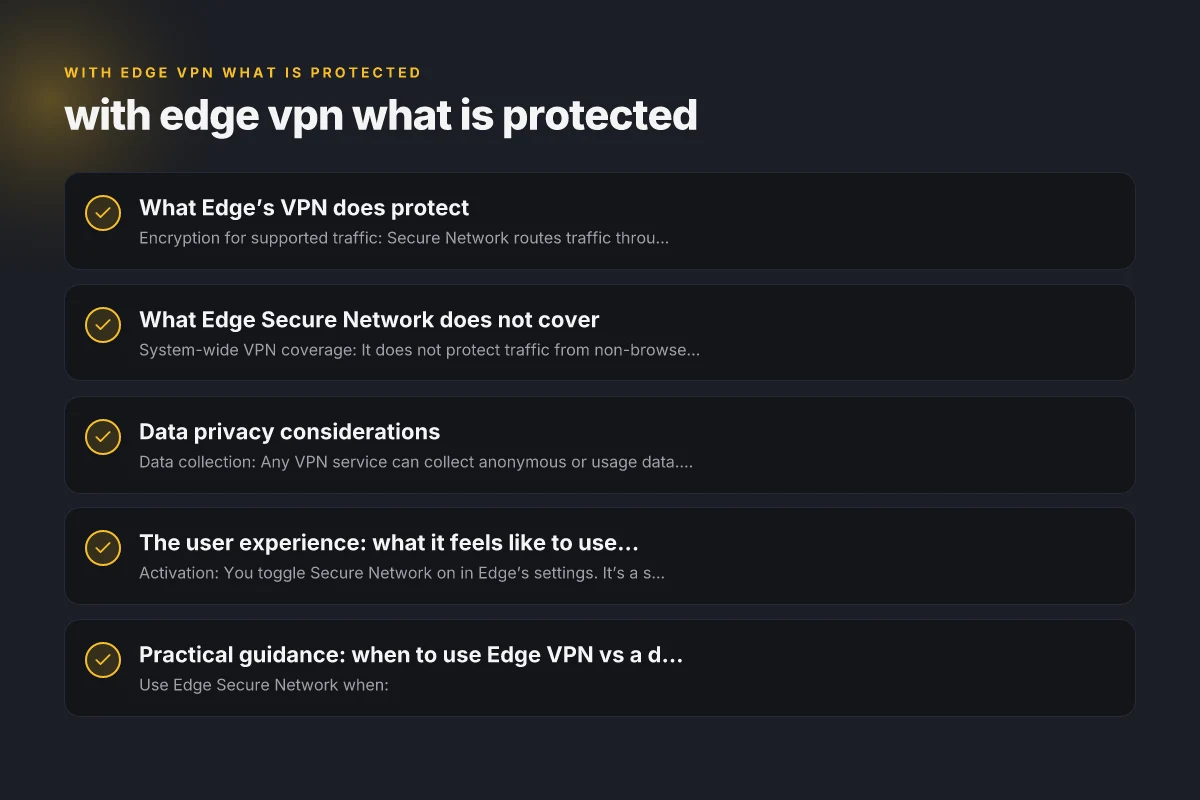
What Edge Secure Network does not cover
- System-wide VPN coverage: It does not protect traffic from non-browser applications, game clients, torrent clients, or other apps outside Edge.
- All devices and platforms: The protection is primarily associated with Edge on supported platforms. It does not provide the same level of protection across Windows, macOS, Android, or iOS for all apps.
- End-to-end privacy guarantee: It helps with IP masking and traffic encryption, but it’s not equivalent to a full, independent VPN with its own independent encryption endpoints and independent DNS.
- Data limits and controls: Some reports indicate data caps or limitations on usage, depending on Microsoft’s implementation and updates. These limits can affect long sessions or bandwidth-heavy tasks.
Data privacy considerations
- Data collection: Any VPN service can collect anonymous or usage data. Edge Secure Network is a Microsoft product, so it’s subject to Microsoft’s data practices. It’s wise to review Microsoft’s privacy statements to understand what is collected.
- Logging and telemetry: Even if traffic is encrypted, telemetry and connection data can be collected by the provider. For sensitive use cases, you may want a VPN with a strict no-logs policy.
- IP leakage risks: In some configurations or with certain settings, there’s a chance that your real IP could be exposed through other channels (webRTC, leaks) if not properly managed.
The user experience: what it feels like to use Edge VPN
- Activation: You toggle Secure Network on in Edge’s settings. It’s a straightforward enable/disable switch.
- Speed and performance: Depending on your location and network, there may be some slowdown due to routing through Microsoft’s network. For casual browsing, it’s usually modest. For high-bandwidth tasks, performance can vary.
- Accessibility: Works within the Edge browser. Other apps on the device won’t automatically use the VPN path.
Quick comparison table: Edge Secure Network vs a full-featured VPN like ZoogVPN
| Feature | Edge Secure Network (built-in) | ZoogVPN (full VPN) |
|---|---|---|
| Scope of protection | Browser-bound; Edge traffic only | System-wide (all apps), multiple devices |
| Platform reach | Primarily Edge on Windows/macOS/iOS/Android with Edge | Cross-platform: Windows, macOS, Android, iOS, routers (with compatible setups) |
| Data controls | Subject to Microsoft privacy practices | Typically offers no-logs or explicit privacy policies (depends on provider) |
| Speed impact | Generally modest, depends on routing; possible throttling | Varies by server and plan; dedicated servers aimed at speed and stability |
| Data caps | Can be present or vary by update | Often no cap on basic plans; verify current terms |
| Customization | Limited settings; straightforward protection | Server selection, split tunneling, kill switch, DNS options, protocol choices |
| Use case | Quick, browser-focused privacy for Edge users | Comprehensive privacy for all device traffic and multi-device setups |
Practical guidance: when to use Edge VPN vs a dedicated VPN
- Use Edge Secure Network when:
- You primarily browse with Edge and want a quick shield for common sites.
- You’re in a public network and want to reduce basic exposure for browser traffic.
- You don’t need system-wide protection or multi-device coverage.
- Use a dedicated VPN like ZoogVPN when:
- You want protection for all apps and services on your device, not just Edge.
- You need multi-device support (phones, tablets, laptops) with a single account.
- You require strong no-logs commitments, broader server choices, and advanced features (kill switch, split tunneling, DNS privacy).
- You’re concerned about potential data caps or privacy limitations of built-in browser VPNs.
Practical steps to maximize privacy with Edge and beyond
- Keep Edge Secure Network enabled for browser traffic you want protected, and disable it when you don’t need it.
- Check for data caps and terms of use within your Windows account settings to understand any limits.
- If you share a device or use sensitive accounts (banking, healthcare, work), pair Edge with a reputable full VPN like ZoogVPN for wider protection.
- Consider a multi-layer approach:
- Use HTTPS everywhere (Edge’s security features help, but don’t rely on it alone).
- Use a dedicated VPN for system-wide protection.
- Employ strong authentication, updated software, and device-level security controls.
- Review privacy settings:
- In Edge, review privacy and security settings to reduce tracker exposure.
- In Windows or your device OS, manage permissions and telemetry settings to minimize data leakage.
Should you switch to ZoogVPN?
ZoogVPN is a recommended option for readers who want comprehensive protection beyond what Edge’s built-in VPN offers. ZoogVPN delivers:
- System-wide protection across all apps and services.
- A variety of servers around the world to balance speed and privacy.
- Clear privacy policies and split tunneling features that give you control over which apps use the VPN.
- Desktop and mobile clients, with consistent protection across devices.
If your goal is to maximize privacy, prevent IP-based tracking across all online activity, and safeguard multiple devices, a dedicated VPN like ZoogVPN is a stronger, more versatile solution than relying solely on Edge’s built-in Secure Network.
Final note: Edge’s VPN feature is a helpful convenience for quick browser-level privacy, but it’s not a replacement for a full-featured VPN. For users who prioritize comprehensive protection and multi-device privacy, pairing Edge (for convenience) with ZoogVPN (for full coverage) provides a practical, layered approach. If you’re ready to explore ZoogVPN, you can learn more at zoogvpn.com and compare plans to fit your needs.
| VPN | Obfuscation | From / month | Plan | Free plan | Refund | Alipay | UnionPay | Crypto | Website opens in China | Trustpilot | |
|---|---|---|---|---|---|---|---|---|---|---|---|
 ZoogVPN | Turn on manually Shadow | $2.49/mo | 27 months: $59.99 | Yes | 7 days | ✓ | ✓ | ✓ | ✓ | ✓ Yes (2.5 s) | 4.2/5 (195 reviews) |
 NordVPN | Turn on manually Obfuscated Servers / NordWhisper | $3.49/mo | 27 months: $94.23 | No | 30 days | ? | ✗ | ✓ | ✓ | ✗ Blocked | 4.2/5 (51,628 reviews) |
 ExpressVPN | ✓ On by default all servers | $3.00/mo | 28 months: $84 | No | 30 days | ✗ | ✗ | ✓ | ✗ | ✗ Blocked | 4.4/5 (29,706 reviews) |
 Surfshark | ✓ On by default Camouflage, with OpenVPN | See site | See site | No | 30 days | ✗ | ✗ | ✗ | ✓ | ✗ Blocked | 4.3/5 (31,823 reviews) |
 Proton VPN | Turn on manually Stealth, free plan too | $2.99/mo | 12 months: $35.88 | Yes | 30 days | ✗ | ✗ | ✗ | ✓ | ✓ Yes (2.5 s) | 2.1/5 (1,040 reviews) |
 Astrill VPN | Turn on manually StealthVPN / OpenWeb | $12.50/mo | 24 months: $300 | No | See site | ✗ | ✗ | ✗ | ✓ | ✗ Blocked | 1.3/5 (110 reviews) |
 Private Internet Access | Turn on manually Shadowsocks, OpenVPN only | $2.03/mo | 40 months: $81.2 | No | 30 days | ✗ | ✗ | ✗ | ✗ | ✗ Blocked | 4.2/5 (11,033 reviews) |
 CyberGhost | Turn on manually selected servers | $2.19/mo | 28 months: $61.32 | No | 45 days | ✗ | ✗ | ✗ | ✓ | ✗ Blocked | 4.0/5 (24,178 reviews) |
 PureVPN | Turn on manually switch to OpenVPN | $1.69/mo | 60 months: $101.55 | No | 31 days | ? | ✗ | ✗ | ✓ | ✓ Yes (2.6 s) | 4.4/5 (17,994 reviews) |
 AdGuard VPN | ✓ On by default TrustTunnel | $2.99/mo | 24 months: $71.76 | Yes | 30 days | ✓ | ✗ | ✓ | ✓ | Official site blocked; our special link opens (2.3 s) | 4.3/5 (290 reviews) |
 Mullvad | Turn on manually QUIC / Shadowsocks / LWO | $5.61/mo | €5/mo | No | 14 days | ✗ | ✗ | ✗ | ✓ | ✗ Blocked | 3.2/5 (192 reviews) |
 Windscribe | Turn on manually Stealth / WStunnel | $5.75/mo | 12 months: $69 | Yes | See site | ✗ | ✗ | ✗ | ✓ | ✗ Blocked | 4.7/5 (13,355 reviews) |
 StrongVPN | Turn on manually Scramble, OpenVPN TCP | See site | See site | No | 30 days | ✓ | ✗ | ✗ | ✗ | ✗ Blocked | 4.4/5 (2,695 reviews) |
 LightXtreme 闪连 | Not listed | $7.08/mo | 12 months: $84.99 | Yes | 30 days | ✓ | ✓ | ✓ | ✓ | ✓ Yes (2.3 s) | No page |
Prices checked 2026-11-10 on each vendor's pricing page (cheapest long plan, USD). Check the vendor's checkout for the final price.
Obfuscation checked 2026-11-14 on each vendor's site and help center: "on by default" = nothing to set; "turn on manually" = switch protocol or mode in settings; "not listed" = the vendor describes no obfuscation.
Payment methods checked 2026-11-10 on each vendor's payment pages: all 14 take cards and PayPal; ✗ = not listed, ? = the vendor's own pages disagree.
China access: whether the official website opens from mainland China networks (tests the website only, not the VPN connection). Last checked 2026-11-11 04:07 Beijing time.
Trustpilot score and review count checked 2026-11-10.