
A practical guide to turning off Microsoft Edge Secure Network VPN and its related settings across Windows and Edge.
Microsoft Edge includes a built-in feature called Secure Network, which functions as a free VPN-like service to help protect privacy and improve security while you browse. If you’re looking to disable it, either for daily use, to reduce resource usage, or because your organization requires a different VPN, this guide walks you through exactly how to disable Microsoft Edge VPN on Windows and Edge itself. The steps are straightforward and can be performed by individual users or by IT admins in managed environments.

Quick comparison at a glance — Edge VPN on vs off (single user)
| Scenario | VPN Status | Access Impact | Performance note | Settings location | Recommended action |
|---|---|---|---|---|---|
| Default (no change) | Off or Off by default | Normal browsing | Baseline | Edge settings or system proxy | Leave off if not needed |
| Turned On manually | On | All sites routed | Potential slowdowns | Edge VPN toggle | Enable when privacy needed |
| Temporarily disable | Off | Local outlet unaffected | Quick revert | Edge VPN toggle | Disable for troubleshooting |
| On for specific profile | On for profile A | Profile-bound routing | Mixed performance | Profile settings | Use if only one user needs VPN |
| Enterprise policy | On | All users under policy route | Consistent but may affect latency | Enterprise config | Align with IT policy |
| After reboot | Depends on policy | Persistent unless changed | Variable | Start-up script | Confirm policy retention |
Compiled November 2026; check the provider's site for current details.
Understanding what you’re disabling
Secure Network is designed to provide:
- Encrypted traffic within Edge for privacy on public networks
- Automatic protection for safe browsing
- Optional location-based features and threat analysis
Disabling it will:
- Stop automatic VPN-like routing for Edge traffic
- Potentially reduce bandwidth usage if Secure Network was actively tunneling data
- Potentially affect privacy protections provided by Edge’s built-in network features
If you rely on other VPN software, you’ll typically want to disable Edge’s Secure Network to avoid conflicts or redundant security layers.
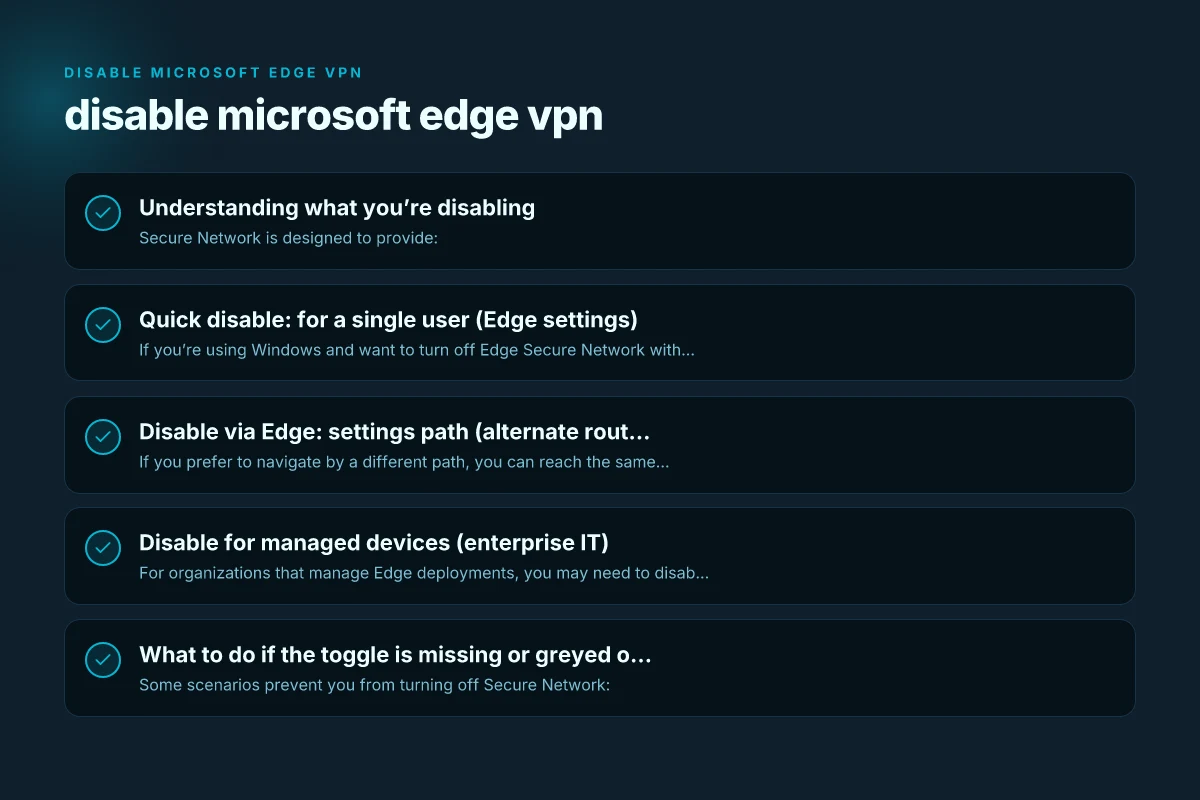
Quick disable: for a single user (Edge settings)
If you’re using Windows and want to turn off Edge Secure Network without touching other software, use Edge’s own settings.
- Open Microsoft Edge.
- Click the Settings and more menu (three dots) in the upper-right corner, or press Alt+F.
- Choose Settings.
- Go to Privacy, search, and services.
- Scroll to the Security section and locate Microsoft Edge Secure Network (or Secure Network toggle).
- Turn the toggle off to disable the feature.
Notes: Battling mozilla VPN problems
- Some Edge builds label the feature as “Microsoft Edge Secure Network” or “Edge Secure Network.”
- If you don’t see the toggle, ensure Edge is updated to a version that includes Secure Network controls.
Quick disable — one user via Edge settings
| Step | Action | Location in Edge | Effect | Revert option | Notes |
|---|---|---|---|---|---|
| 1 | Open Edge | Edge menu -> Settings | VPN off if previously on | Toggle to On | Check status indicator |
| 2 | Navigate to Privacy, search, and services | Settings | VPN toggle control | Re-enable if needed | May be labeled VPN or Edge Secure Network |
| 3 | Disable Edge VPN toggle | Edge VPN section | Stops routing through VPN | Turn back on | Some builds hide if managed |
| 4 | Verify IP | Check whatismyip | Public IP shows real address | None | Ensure VPN disconnected |
| 5 | Close settings | — | Clean state | N/A | Exit to apply |
Compiled November 2026; check the provider's site for current details.
Disable via Edge: settings path (alternate route)
If you prefer to navigate by a different path, you can reach the same toggle via Privacy, search, and services:
- Settings > Privacy, search, and services.
- Scroll to Security.
- Find Microsoft Edge Secure Network and switch it off.
This method is useful if you’re performing a routine check of Edge’s privacy features or if you’ve customized the Edge UI to look different.
Disable for managed devices (enterprise IT)
For organizations that manage Edge deployments, you may need to disable Secure Network across multiple machines. This is typically done through group policy, Microsoft Intune, or configuration profiles. Sslvpn.poscoenc.com %e2%80%8b
- Group Policy (Windows):
- Use Administrative Templates for Microsoft Edge.
- Set a policy to disable Secure Network or prevent its activation.
- Microsoft Intune:
- Create a device configuration profile for Microsoft Edge settings.
- Disable Secure Network via the corresponding policy toggle or configuration setting.
- Consider a baseline:
- Document which Edge features are enabled or disabled in your policy.
- Ensure users understand why Secure Network is disabled on corporate devices.
If you’re unsure about the exact policy names in your environment, consult the latest Microsoft Edge Enterprise policies documentation, as names can vary by Edge version and channel.
What to do if the toggle is missing or greyed out
Some scenarios prevent you from turning off Secure Network:
- Edge version without the option (older builds)
- A managed device with policies that enforce Secure Network on
- User permission restrictions on the device
What you can do:
- Update Edge to the latest stable or enterprise version and retry the toggle.
- Check with your IT administrator if there’s a policy that re-enables or locks the feature.
- Remove any conflicting extensions that might re-enable privacy features that resemble a VPN (though these are separate products, some extensions affect network behavior).
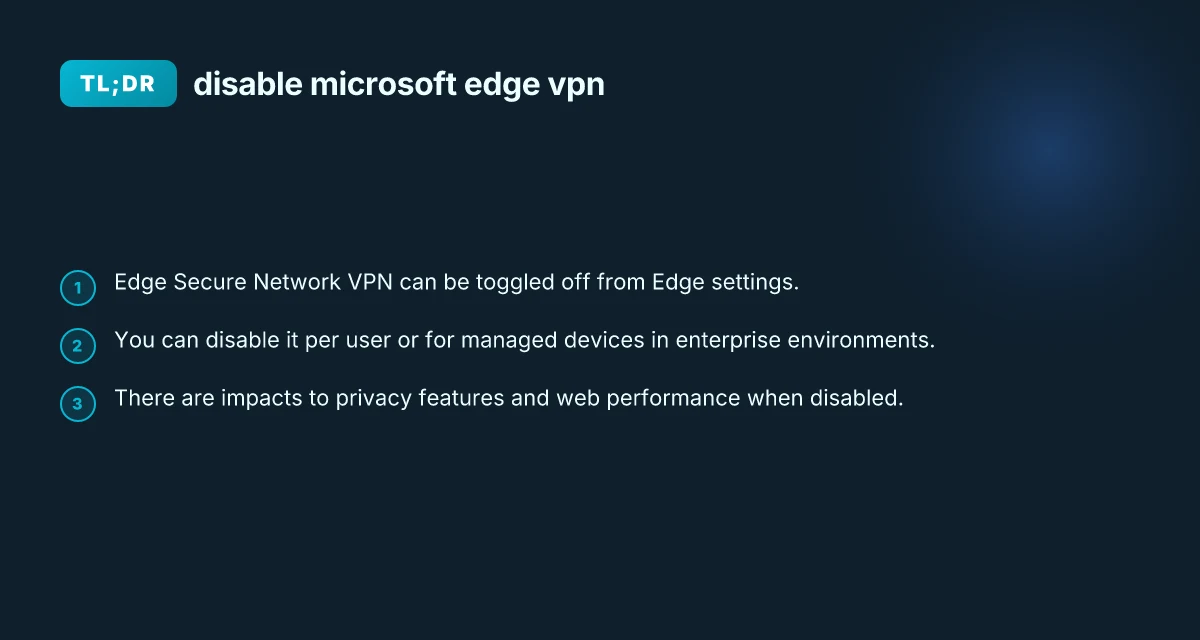
Comparison: Edge VPN on vs. off (at a glance)
| Scenario | What happens to traffic | Privacy impact | Resource usage | Administrative control |
|---|---|---|---|---|
| Edge Secure Network ON | Edge-run VPN-like tunnel; some traffic may route through Microsoft’s network | Enhanced privacy on public networks | Small to moderate CPU/network overhead | User-level toggle; can be forced by admins in enterprise |
| Edge Secure Network OFF | No Edge-provided VPN tunnel; traffic follows normal path | Privacy protection via Secure Network is not active | Lower resource usage | Admins can enforce policy to keep it off on managed devices |
Notes:
- This table reflects typical outcomes. Actual behavior can vary by Edge version and organizational policies.
- If you rely on other VPN services, keeping Secure Network off helps avoid overlapping tunnels.
Disable via Edge: settings path (alternate route) Hkmc-rndvpn hyundai net: What It Is and Why ZoogVPN Is a Strong Choice
| Path | Description | UI element | Effect | When to use | Notes |
|---|---|---|---|---|---|
| 1 | Settings → Privacy, search, and services → Services | Control for Edge Secure Network | Turn off | If VPN toggle not visible | May require admin permission |
| 2 | Settings → System and performance | N/A | Confirm network routing | Use as fallback | Not primary VPN control |
| 3 | Restart Edge | Close and reopen | Apply changes | Ensure change sticks | Clear caches |
Compiled November 2026; check the provider's site for current details.
Common questions answered
- Q: How do I turn off VPN on Microsoft Edge? A: Use Edge Settings > Privacy, search, and services > Security and toggle off Microsoft Edge Secure Network.
- Q: What happens if I disable VPN? A: Your Edge traffic will not benefit from Edge’s Secure Network protections, but you still have full browser functionality and any other VPN solutions you run will work as configured.
- Q: Is there a way to permanently disable Microsoft Edge? A: Permanently disabling Edge is not recommended and not supported in normal consumer setups. You can disable the Secure Network feature, set policies to prevent it, or use a different browser.
- Q: How do you permanently turn off VPN? A: If you’re asking in a broader sense, you can disable or uninstall VPN applications at the system level. For Edge’s Secure Network specifically, turning off the toggle and applying enterprise policies is the standard approach.
Troubleshooting tips
- If the toggle disappears after a Windows update, check for Edge updates and re-open Settings.
- If you disable Secure Network but still notice VPN-like behavior, ensure no other VPN apps are routing traffic. Some system-level VPN clients force-tunnel traffic outside Edge.
- Restart Edge or reboot the computer after changing the toggle to ensure the change takes effect.
Final recommendation
If your goal is to disable Microsoft Edge VPN features for performance, control, or policy compliance, turning off Microsoft Edge Secure Network via the Edge settings is the simplest, safest method for individual users. For organizations, use your standard device management tools (Group Policy, Intune, or configuration profiles) to enforce the desired state across devices. After disabling, monitor network performance and privacy needs to determine if any additional adjustments are required, such as enabling a different VPN solution or relying on standard browser privacy controls. If you rely on Edge for other security features, you may also want to review Privacy, search, and services settings to fine-tune what Microsoft Edge collects and uses.