
A thorough look at why Proton VPN might feel slow and how to speed it up without sacrificing security.
Proton VPN is a strong option for privacy-conscious users, but many readers wonder: is Proton VPN slow? The short answer is: it can feel slow in certain circumstances, but you can usually restore fast speeds with a few targeted adjustments. The longer answer is that VPN speed is a function of server load, distance to the server, the protocol you choose, encryption overhead, and your own baseline internet connection. When you optimize these elements, Proton VPN often performs at or near the speed of your regular connection for everyday browsing, streaming, and light gaming.

Comparison of Proton VPN protocols and typical speeds
| Protocol | Typical Use Case | Speed impact (relative) | Security level | Simultaneous connections | Notes |
|---|---|---|---|---|---|
| WireGuard | Fastest, common | High | High | 1-5 | Lightweight, modern |
| IKEv2/IPsec | Stable, mobile | Medium-High | High | 1-5 | Good on unstable networks |
| OpenVPN (UDP) | Broad compatibility | Medium | High | 1-5 | CPU lighter on UDP |
| OpenVPN (TCP) | Very stable on poor links | Low | High | 1-5 | Slower than UDP |
Compiled November 2026; check the provider's site for current details.
What makes Proton VPN slow in the first place?
There are several common culprits behind perceived slowdowns. Understanding them helps you pinpoint where to fix things.
- Server location and load: If you connect to a busy server far from you, speeds drop. Even the same server can slow down during peak hours due to user volume.
- Protocol choice: Proton VPN supports various protocols (like OpenVPN, WireGuard, etc.). Some protocols balance security and speed differently. Traditionally, WireGuard tends to be faster than OpenVPN on most networks, but your mileage may vary by network path and firewall rules.
- Encryption and handshake: VPN adds an extra layer of encryption and a handshake process when establishing a tunnel. On weaker devices or networks with strict NATs, this can introduce a delay.
- Local network constraints: Your base internet plan, router quality, Wi‑Fi interference, and background downloads can all sap speed, making the VPN feel slower than normal.
- DNS routing and leaks: If DNS requests aren’t optimized or if there’s a misconfiguration, it can add latency and reduce perceived speed.
- QoS and ISP behavior: Some ISPs practice traffic shaping or throttling VPN traffic, which can affect performance independently of Proton VPN’s servers.

How to check: is Proton VPN actually slow, or is it your network?
Before changing settings, establish a baseline to know whether the VPN is the bottleneck. Here are practical steps.
- Measure base speed: Run a speed test (without VPN) at the same time of day to establish a baseline.
- Test with Proton VPN disconnected, then connected to a nearby fast server: Compare results to isolate VPN impact.
- Test multiple servers: Switch to a closer or less-loaded server and retest.
- Try different protocols: Switch between WireGuard and OpenVPN (TCP vs UDP, if available) to gauge performance differences on your network.
- Check for background activity: Ensure there are no large downloads or cloud backups running during your tests.
If your base speed is normal but VPN speeds remain consistently slow on all servers, you’re likely facing protocol, server load, or device-related bottlenecks. If VPN speeds are substantially slower than your base speed across every server, you may want to troubleshoot your device or network, or contact Proton VPN support for guidance.
Checklists to diagnose if slow is VPN or network
| Item | Proton VPN specific? | Action | Expected result |
|---|---|---|---|
| Baseline speed without VPN | no | run speed test | Normal Mbps/Gbps |
| Test with different protocols | yes | switch protocols | Variance by protocol |
| Server distance | yes | choose closest | Faster than far server |
| Device load | no | close apps | Free CPU/RAM |
| Local network congestion | no | test at different times | Time-based variation |
| Port/ISP throttling | yes | try different protocol | Throttle visible or not |
Compiled November 2026; check the provider's site for current details. Honor 800 pro
Practical fixes: how to speed up Proton VPN
Below is a practical, actionable checklist you can apply. Start with the low-friction options and progress to more involved steps if needed.
- Pick a nearby server with low load
- In the Proton VPN app, use the server list to sort by load or distance.
- Try a country or city physically closer to you first, then expand outward if needed.
- Switch protocols
- If you’re using OpenVPN, try WireGuard (or the opposite, if you’ve had issues with WireGuard).
- Prefer UDP for general throughput; TCP can be more reliable but slower.
- Enable “Fastest” mode thoughtfully
- Proton VPN’s Fastest mode can automatically select a quick server, but it may route you through mildly longer paths if congestion varies. Test both manual server selection and Fastest to see which yields better throughput for your use case.
- Adjust connection settings
- If you’re on a mobile network or unstable Wi‑Fi, lower the encryption overhead by selecting protocols optimized for performance.
- Ensure your DNS settings are properly configured in Proton VPN to avoid DNS leaks and extra latency.
- Update the app and OS
- Always run the latest Proton VPN client. New releases often include performance improvements and bug fixes.
- Disable bandwidth-heavy features temporarily
- Pause or throttle nonessential background tasks on your device.
- If you’re using features like Secure Core or multi-hop, consider temporarily disabling them to see if speeds improve on a single-hop connection.
- Optimize your device
- Close unnecessary apps that may be network-bound.
- On laptops, ensure power settings aren’t limiting CPU performance during VPN use.
- Check hardware and network
- If you’re on Wi‑Fi, try a wired Ethernet connection where possible to reduce interference.
- Reboot your router or test on a different network (e.g., mobile hotspot) to rule out local network issues.
A simple comparison: Proton VPN with different protocols
To help visualize how protocol choices can affect speed, here is a simplified, non-exhaustive comparison you might see in typical usage. Note that real-world results depend on your network and server choice.
- WireGuard: Generally the fastest option with modern cryptography. Good for streaming and gaming where latency matters.
- OpenVPN (UDP): Reliable and widely compatible. Can be slower than WireGuard on some networks but often more stable across older hardware.
- OpenVPN (TCP): More reliable through problematic networks but usually the slowest of the common options.
- IKEv2/IPSec (where available): Fast and good for mobile devices. Performance varies by device and network.
Table: General protocol-speed tendencies (subject to network specifics)
- Protocol: Typical Strengths | Typical Trade-offs
- WireGuard: High speed, modern cryptography | May require newer support in some networks
- OpenVPN UDP: Fast and flexible | Overhead higher than WireGuard on some networks
- OpenVPN TCP: Very reliable, firewall-friendly | Often slower due to TCP overhead
- IKEv2/IPSec: Good mobile performance | Compatibility varies by device
If you’re aiming for the best general speed, start with WireGuard on a nearby, lightly loaded server. If you encounter connectivity problems, fall back to OpenVPN UDP or IKEv2/IPSec where available to see if stability improves without sacrificing too much speed.
Practical fixes to speed up Proton VPN How to whitelist websites on NordVPN
| Fix | Applies to | Expected effect | Possible trade-off | Implementable now (yes/no) | Notes |
|---|---|---|---|---|---|
| Choose closest server | all | speed boost | less global access | yes | Reduces latency |
| Switch to WireGuard | protocols | higher speeds | security trade-off: none | yes | Standard default for speed |
| Enable split tunneling | yes | reduce VPN load | may expose some apps | yes | Only for needed apps |
| Disable auto-connect on startup | yes | saves resources | manual management | yes | Minor improvement |
| Disable IPv6 | yes | avoids leaks | may affect apps | yes | Ensure IPv6 not required |
| Use wired instead of wireless | hardware | lower jitter | hardware needed | yes | Improves stability |
Compiled November 2026; check the provider's site for current details.
Are there Proton VPN features that could slow you down?
Yes. Some Proton VPN features trade speed for additional privacy or security, and you may not need them all for everyday tasks.
- Secure Core / Multi-hop routing: Routes traffic through multiple servers for extra anonymity. This adds extra hops, increasing latency and reducing throughput.
- Tor over VPN: If you enable Tor routing, you’ll see noticeable slowdowns due to Tor’s own routing architecture.
- Always-on VPN and per-app rules: Depending on device performance, these features can add processing overhead for each connection.
If your goal is maximum speed for standard tasks, disable Secure Core or per-app VPN routing temporarily and test speeds again. You can re-enable these features later if privacy requirements demand them.
Real-world tips and expectations
- Expect some variance: VPN speed can vary by time of day and server load. It’s normal to see fluctuations.
- Streaming and gaming: You can often achieve near-base speeds with the right server and protocol, but expect slight latency increases. If you’re gaming, test ping to the game server with and without VPN to ensure you’re within acceptable latency.
- Free vs premium: Proton VPN Plus or higher tiers often provide more server options and faster speeds due to broader geographic coverage and higher capacity, but results will still depend on network conditions.
- Provincial rules and ISP behavior: In some regions, ISPs throttle VPN traffic or impose stricter routing. In those cases, changing servers or protocols can have outsized impact.
Putting it together: a recommended quick-start path
If you’re starting fresh and want a reliable speed-up, try this sequence:
- Connect to a near, low-load Proton VPN server. Compare speeds to your baseline.
- Switch to WireGuard if you’re not already on it. Test both UDP and UDP variants if offered.
- Disable Secure Core for the moment to test single-hop performance.
- Run a few speed tests at different times of day to gauge consistency.
- Update the app and your operating system. Reboot your router if you haven’t recently.
- If problems persist, try a different device to rule out local device constraints, and consider contacting Proton VPN support with your test results.
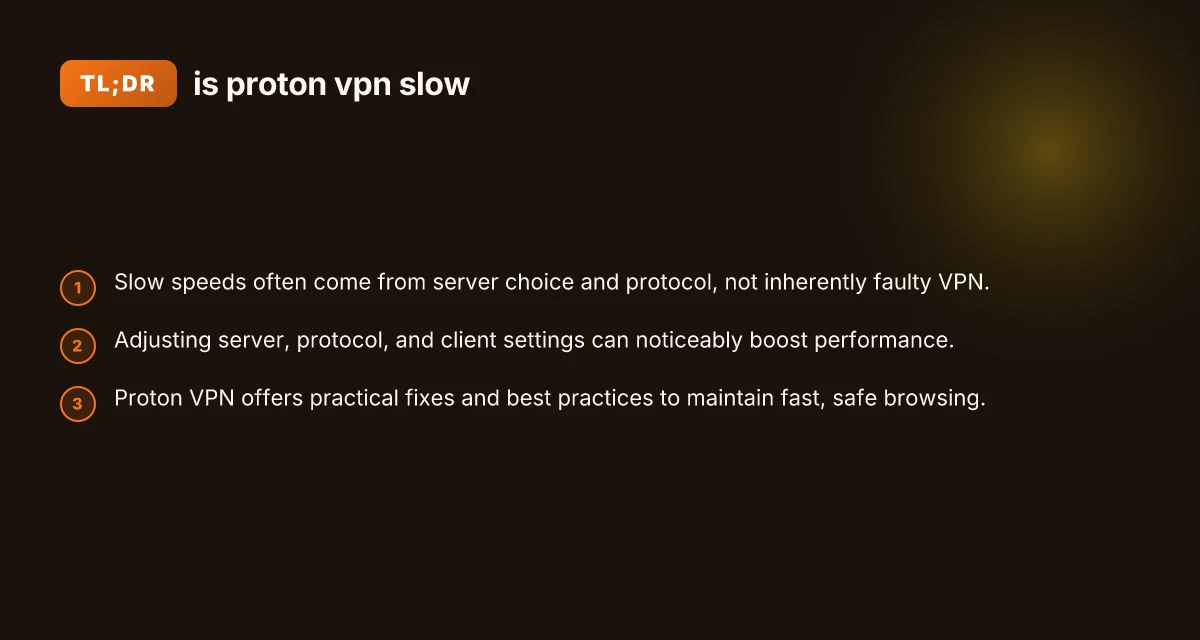
Conclusion: is Proton VPN slow? It can be, but most users can achieve fast, usable speeds by selecting the right server, choosing an appropriate protocol, and adjusting a few settings. Slowdowns are often a symptom of server load, distance, or protocol choice rather than a fundamental flaw in Proton VPN itself. With a structured troubleshooting approach, you can usually reclaim the browsing speed you expect, while still enjoying the privacy protections Proton VPN provides. If you’re unsure where to start, begin with a nearby server and WireGuard, then iterate based on the results you observe. Entry level pay scale philippines